

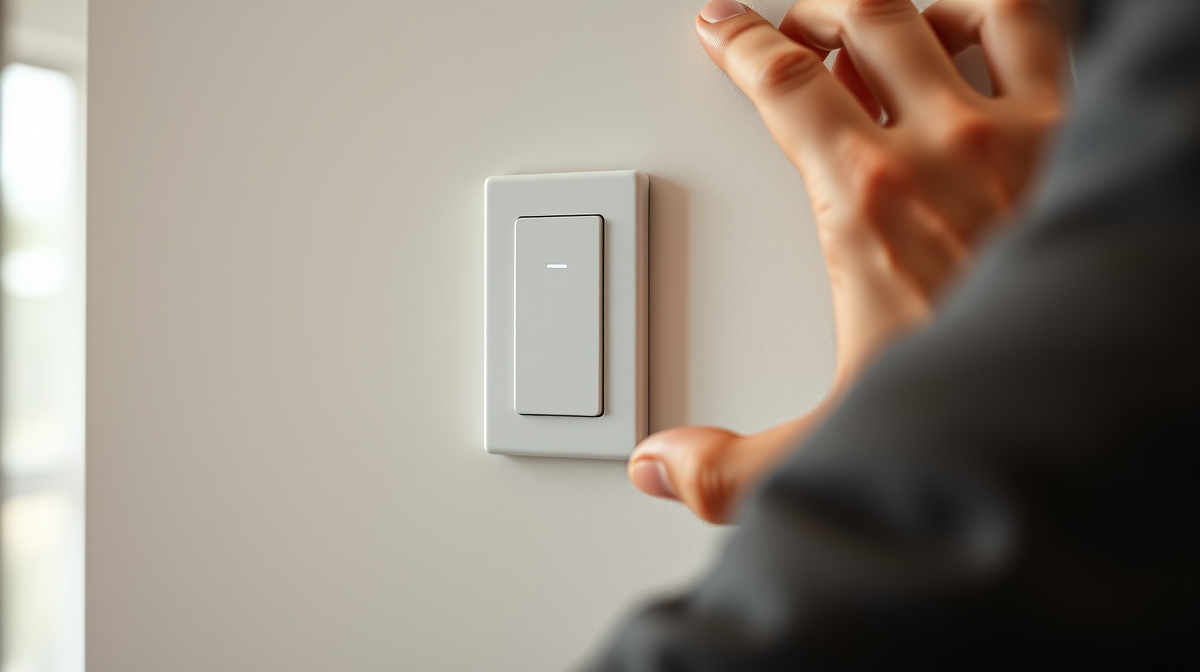
Are you still flipping old-fashioned switches, wishing your lighting could do more than just turn on and off? Upgrading to smart switches can revolutionize your home’s ambiance, energy efficiency, and convenience. This DIY guide will walk beginners through safely replacing existing light switches with smart ones, transforming your home into a more intelligent, eco-friendly space.
Why Go Smart? The Benefits of Smart Switches
Smart switches are more than just fancy buttons; they’re a cornerstone of a modern, efficient home. They offer a range of advantages that extend beyond simple on/off control.
Convenience & Automation
Imagine your lights turning on as you arrive home, or dimming automatically for movie night. Smart switches integrate seamlessly into your daily life, allowing you to control lighting from your smartphone, voice assistant, or even through pre-set schedules. This hands-free operation adds a layer of comfort and ease that traditional switches simply can’t match.
Energy Efficiency & Savings
Smart switches empower you to take control of your energy consumption. By setting schedules, dimming lights, or turning them off remotely when you’ve forgotten, you can significantly reduce wasted electricity. This not only lowers your utility bills but also contributes to a smaller carbon footprint. Understanding your energy usage is the first step towards a net-zero home, and devices like smart switches play a crucial role, often highlighted when using home energy monitors.
Enhanced Security & Ambiance
Creating routines that make it appear someone is home, even when you’re away, can deter potential intruders. Smart switches also allow for precise control over brightness and color temperature (with compatible bulbs), letting you craft the perfect mood for any occasion. They contribute to making a smart home easy for every family member to use and enjoy, adding both security and personalized comfort.
What You’ll Need: Tools & Materials
Before you begin, gather these essential items. Safety is paramount, so ensure you have everything ready.
- New Smart Switch: Choose a switch compatible with your existing wiring (single-pole, 3-way, neutral wire required, etc.) and your smart home ecosystem (Wi-Fi, Zigbee, Z-Wave).
- Screwdriver Set: Flathead and Phillips head screwdrivers.
- Non-Contact Voltage Tester: Essential for verifying power is off.
- Wire Strippers/Cutters: To prepare wires if needed.
- Wire Nuts: Often included with the smart switch, but good to have spares.
- Electrical Tape: For added insulation.
- Pliers: Needle-nose or lineman’s pliers can be helpful.
- Flashlight or Headlamp: For better visibility in the electrical box.
Pre-Installation Checklist: Safety First!
Working with electricity requires caution. Do not skip these crucial safety steps.
Essential Safety Precautions
- Turn Off Power at the Breaker: Locate your electrical panel and switch off the circuit breaker that controls the light switch you’re working on. This is the most critical step.
- Verify Power is Off: Use your non-contact voltage tester to confirm no power is running to the switch. Touch the tester to the existing switch, both on and off. If it lights up or beeps, the power is still on.
- Inform Others: If others are in the house, let them know you’re working on the electricity and to avoid touching the breaker panel.
- Wear Safety Glasses: Protect your eyes from dust or debris.
Compatibility Check
Most smart switches require a neutral wire. Older homes may lack this, so check your existing switch’s wiring before purchasing. Open the switch plate and gently pull out the existing switch. Look for a bundle of white wires tucked into the back of the electrical box – this is likely your neutral. If you’re unsure, consult a qualified electrician.
Step-by-Step DIY Installation Guide
Follow these steps carefully to ensure a safe and successful installation.
Step 1: Turn Off the Power
As mentioned, go to your electrical panel and flip the breaker for the switch you’re replacing. Use your voltage tester to confirm the power is completely off at the switch.
Step 2: Remove the Old Switch
Carefully unscrew the faceplate of your existing switch. Then, unscrew the switch from the electrical box. Gently pull the switch out of the wall, exposing the wires connected to it.
Step 3: Identify the Wires
Before disconnecting anything, take a picture of the existing wiring configuration. This provides a valuable reference. You’ll typically see:
- Line Wire (Hot): Carries power from the breaker. Usually black.
- Load Wire: Carries power to the light fixture. Also usually black.
- Ground Wire: A bare copper or green wire. This is a safety wire.
- Neutral Wire: Usually white, often bundled in the back of the box. Essential for most smart switches.
- Traveler Wires (for 3-way/4-way switches): Two additional wires (often red, but can be other colors) for controlling a light from multiple locations.
Disconnect the wires from the old switch one by one, being careful not to let them fall back into the wall.
Step 4: Connect the Smart Switch
Refer to the wiring diagram included with your new smart switch. Typically, you’ll connect:
- Line wire from the wall to the “Line” terminal on the smart switch.
- Load wire from the wall to the “Load” terminal on the smart switch.
- Ground wire from the wall to the “Ground” terminal.
- Neutral wire from the wall (often using a wire nut to connect to the smart switch’s pigtail neutral wire) to the “Neutral” terminal.
Use wire nuts to securely connect any wires, twisting them clockwise until snug. Ensure no bare wire is exposed. Wrap electrical tape around wire nuts for extra security.
Step 5: Secure the New Switch
Carefully push the newly wired smart switch and wires back into the electrical box. Be gentle to avoid bending or damaging wires. Screw the smart switch into the electrical box, then attach its faceplate.
Step 6: Restore Power & Test
Go back to your electrical panel and flip the breaker back on. Return to the smart switch and test it manually. If it works, proceed to connect it to your smart home system.
Integrating Your New Smart Switch
The final step is to bring your new smart switch into your smart home ecosystem.
Connecting to Your Smart Home Hub
Most smart switches will have an accompanying app or connect directly to your existing smart home hub (e.g., Alexa, Google Home, SmartThings). Follow the instructions provided with your smart switch to pair it. This usually involves putting the switch into pairing mode and discovering it through your app.
Setting Up Schedules & Routines
Once connected, you can program your switch to operate on schedules, respond to voice commands, or integrate with other smart devices. You might create a “Good Morning” routine that slowly brightens the lights, or a “Away” routine that randomly turns lights on and off to simulate occupancy. Developing a smart lighting plan can help you maximize these benefits throughout your home.
Flipping the switch to smart living is a rewarding DIY project that empowers you to control your home’s lighting with unprecedented ease and efficiency. By following these steps, you’ve not only upgraded your home’s technology but also taken a tangible step towards a more sustainable lifestyle. Embrace the convenience and savings, and enjoy your newly smartened space!