

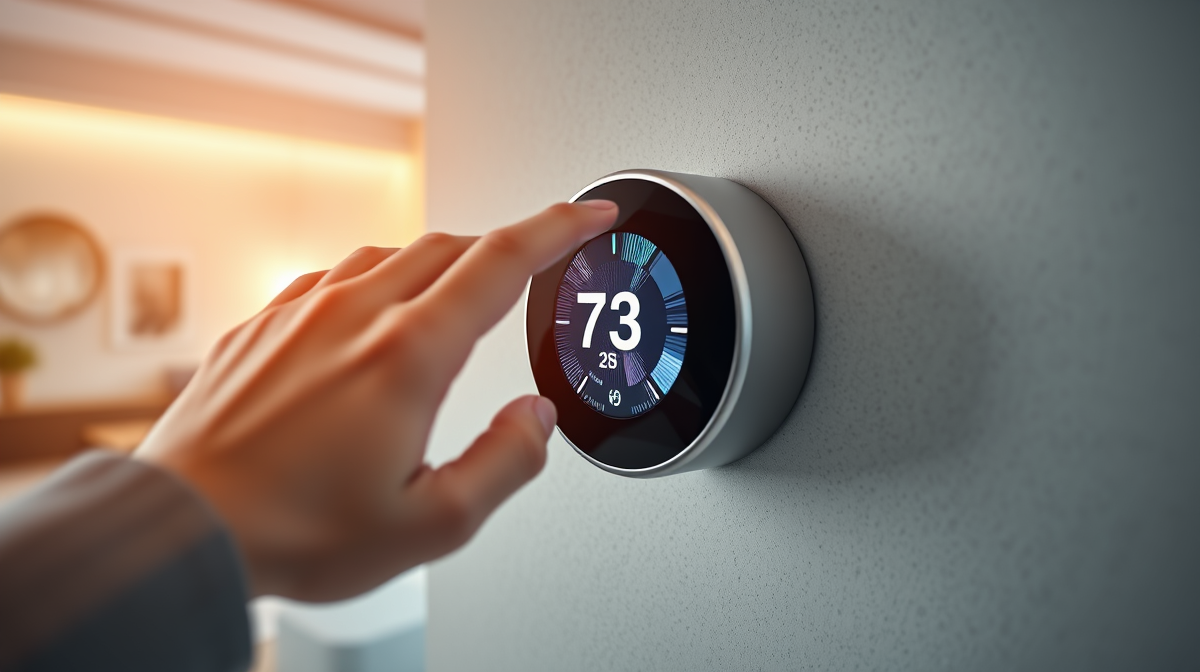
Are your monthly energy bills still a puzzle, even with a smart thermostat managing your climate? Many homeowners invest in these intelligent devices but overlook their most powerful feature: the detailed energy reports. This article will demystify these reports, showing you how to interpret key metrics, identify crucial trends, and use this data to fine-tune your heating and cooling for maximum savings and environmental impact.
Understanding Your Smart Thermostat’s Core Metrics
Your smart thermostat isn’t just a fancy on/off switch; it’s a data powerhouse. The reports it generates offer a window into your home’s energy consumption. Here are the metrics you’ll most commonly encounter:
- Heating/Cooling Run Time: This is arguably the most straightforward metric – the total number of hours your HVAC system was actively heating or cooling. Longer run times generally mean higher energy usage. Pay attention to how this fluctuates daily, weekly, and seasonally.
- Temperature Setpoints vs. Actuals: Your reports will show your programmed temperature alongside the actual indoor temperature. Significant deviations, especially if your system runs constantly to reach a setpoint, can indicate issues with insulation, drafts, or an undersized HVAC system.
- External Factors: Many smart thermostats integrate local weather data. You’ll see how outdoor temperature, humidity, and even sunlight influenced your system’s operation, helping you understand energy consumption in context.
- Occupancy & Geofencing Data: If your thermostat uses sensors or your phone’s location, reports will show when your home was occupied or vacant. This data is critical for confirming if your ‘away’ settings are actually being utilized effectively.
- Energy Use Estimates: Some advanced thermostats provide estimated energy consumption, often broken down by day or hour. While not always perfectly precise, this estimate gives you a tangible idea of your energy expenditure, especially when compared with an overall home energy monitor.
Spotting Trends and Anomalies in Your Data
Raw data is only useful when you can derive meaning from it. Learning to identify trends and anomalies in your energy reports is key to proactive optimization.
Comparing Performance Over Time
- Daily & Weekly Patterns: Look for consistent peaks and troughs. Do you always use more energy on weekends? Does your system work harder during specific hours? These patterns reflect your lifestyle and thermostat schedule.
- Monthly & Seasonal Shifts: Compare consumption across months and seasons. A significant jump in heating use for the same outdoor temperature suggests a change in habits or potential inefficiency.
- Impact of Adjustments: Each time you modify your schedule, adjust a setpoint, or leverage a smart feature, check the reports a few days later. Did that change lead to a reduction in run time? This direct feedback loop is invaluable.
Identifying Inconsistencies and Unexpected Spikes
Anomalies are deviations from your typical patterns. A sudden, unexplained spike in run time for a given day, when the weather was mild and your schedule unchanged, could signal a problem. This might warrant a closer look at your HVAC system or could be an indicator of smart thermostat troubleshooting being needed. Similarly, if your actual indoor temperature consistently lags far behind your setpoint, it’s worth investigating.
Transforming Insights into Actionable Savings
Once you understand your data, you can translate those insights into concrete actions that save energy and money.
- Optimize Your Schedules: If reports show your system is running unnecessarily while you’re away, tighten your ‘away’ schedule or increase the temperature differential. If you see late-night spikes, consider adjusting your bedtime setpoint.
- Refine Setpoints: Experiment with slightly higher cooling setpoints in summer and lower heating setpoints in winter. Even a degree or two can make a difference. Use the reports to see the energy impact before committing.
- Leverage Smart Features Fully: Ensure geofencing is enabled and working correctly if you have an unpredictable schedule. Maximize ‘eco-mode’ or ‘energy saver’ features if your thermostat offers them, using reports to verify their effectiveness.
- Address Home Efficiency Issues: If reports consistently show your system struggling to maintain temperature despite reasonable run times, it might be time to investigate drafts, seal windows, or consider insulation upgrades. Your data provides the evidence you need.
Beyond Bills: Maximizing Your Eco-Impact
The benefits of decoding your smart thermostat’s energy reports extend beyond just your wallet. Every kilowatt-hour saved contributes to a healthier planet.
By actively managing your heating and cooling, you directly reduce your household’s carbon footprint. This conscious effort helps lower demand on the energy grid, especially during peak hours, promoting overall grid stability and reducing the need for less sustainable energy sources. Your commitment to optimizing energy use cultivates sustainable habits that can extend to other areas of your eco-friendly home, making a tangible difference for the environment.
Your smart thermostat’s energy reports are more than just numbers; they’re a powerful roadmap to a more efficient and sustainable home. By regularly reviewing these insights and making informed adjustments, you can significantly reduce your energy consumption, shrink your utility bills, and make a meaningful positive impact on the environment. Start exploring your data today and empower your home to be truly smart and eco-conscious.